Sketch a network
What does our network look like on one page?
A blank canvas for drawing your network the way you’d draw it on a whiteboard, with suppliers, plants, DCs, customers and the lanes between them. Then run it on the engine in the Supply Chain Builder.
Open the Supply Chain Builder →
The question it answers
Before anyone models anything, a team has to agree on what the network is. Which plants feed which DCs? Does anything ship direct from a plant to a customer? Is there a port in the middle? Sketching it settles those questions, and the sketch becomes the structure a model is built on.
What you’ll see
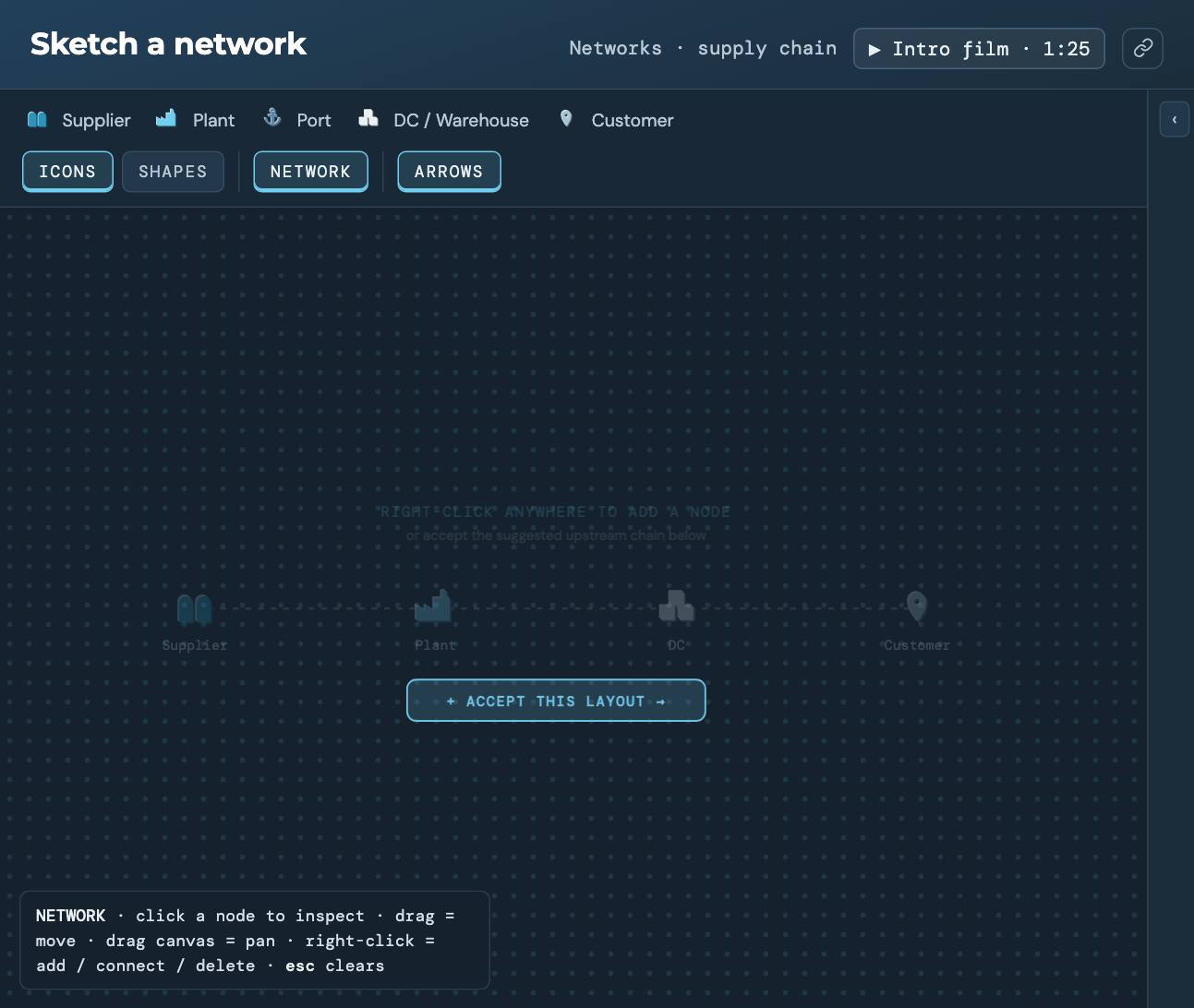
An empty canvas with a suggested chain (supplier, plant, DC, customer) you can accept with one click. Nodes carry the same icons as every other network demo. Nothing runs on a sketch. It’s structure only, so there are no results to read.
What to change
- Right-click anywhere to add a supplier, plant, DC or customer.
- Right-click a node to connect it to another, or to delete it.
- Drag nodes to tidy the layout, and drag the canvas to pan.
- Ask the assistant on the right how a shape like yours is usually modeled.
Where it leads
A sketch answers “what is it?” The three-tier network shows the same kind of structure filled in with real places, and how supply chain simulation works covers what happens once a structure like this gets demand, stock and policies.
Run Sketch a network
It opens in the Sandbox with sample data. No signup, no install.
Build and run it →Or see all eleven network demos.